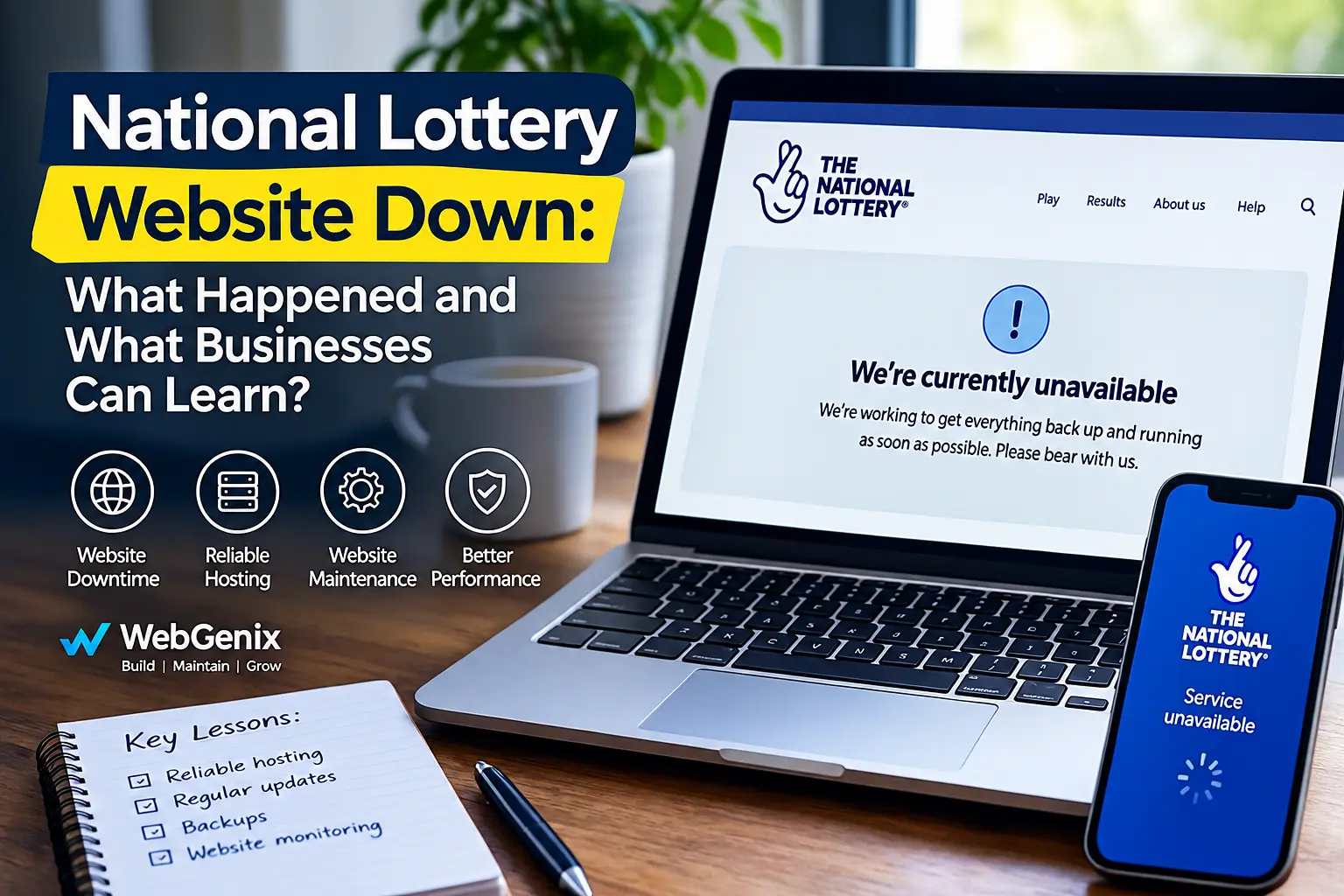
If you searched for "National Lottery website down" on Monday, 2 November 2026, you were not alone. The National Lottery website, mobile app and in-store terminals were all affected by a service disruption following overnight scheduled maintenance.
For players, it meant being unable to access some services for several hours. Retailers also faced difficulties serving customers. Services were restored later that afternoon, but the incident raised an important question for businesses: what happens when your website suddenly stops working?
Whether you run a small business in Derby or manage an online shop in Leeds, your website plays an important role in connecting you with customers. When it goes offline, people may simply look elsewhere.
What Happened to the National Lottery Website?
The disruption began on the morning of Monday, 2 November 2026. Allwyn, the operator of The National Lottery, confirmed that its website, mobile app and in-store terminals were temporarily unavailable following overnight scheduled maintenance.
Visitors to the website were shown a holding message asking them to bear with the company while services were restored.
The problem also affected retailers. According to the trade publication Better Retailing, some shop owners reported difficulties from early in the morning and said they had initially been given no clear timeline for a fix. Retailers could still sell activated Scratchcards, but other terminal services were affected.
Later that afternoon, the National Lottery announced at 3:14pm that its services were back up and running. Better Retailing also reported that online and in-store sales had been restored at around 4pm.
Allwyn apologised for the disruption.
It is worth being clear about the cause. The outage followed scheduled maintenance, but the specific technical fault was not publicly established. Allwyn also said the incident was not caused by a hack. Anything more specific would be speculation.
Why Do Websites Suddenly Stop Working?
A website can become unavailable for several reasons. Sometimes the problem is with the hosting server. In other cases, an update or a simple configuration mistake can cause unexpected trouble.
Here are some common causes.
Hosting and server problems
Every website needs a server to store its files and make its pages available to visitors. If that server develops a fault, runs out of resources or loses its network connection, the website may slow down or stop loading altogether.
For smaller businesses, choosing hosting based only on price can sometimes create problems. A website that receives regular traffic needs enough server resources to handle visitors reliably.
Maintenance and software updates
Regular maintenance helps keep a website secure and working properly. However, updates to WordPress, plugins, databases or payment systems can sometimes cause compatibility issues.
Testing changes before applying them to a live website can reduce the risk of unexpected problems.
Unexpected traffic
A sudden increase in visitors can put pressure on a server. This might happen after a successful marketing campaign, a product launch or a business being mentioned in the media.
Expired certificates and configuration mistakes
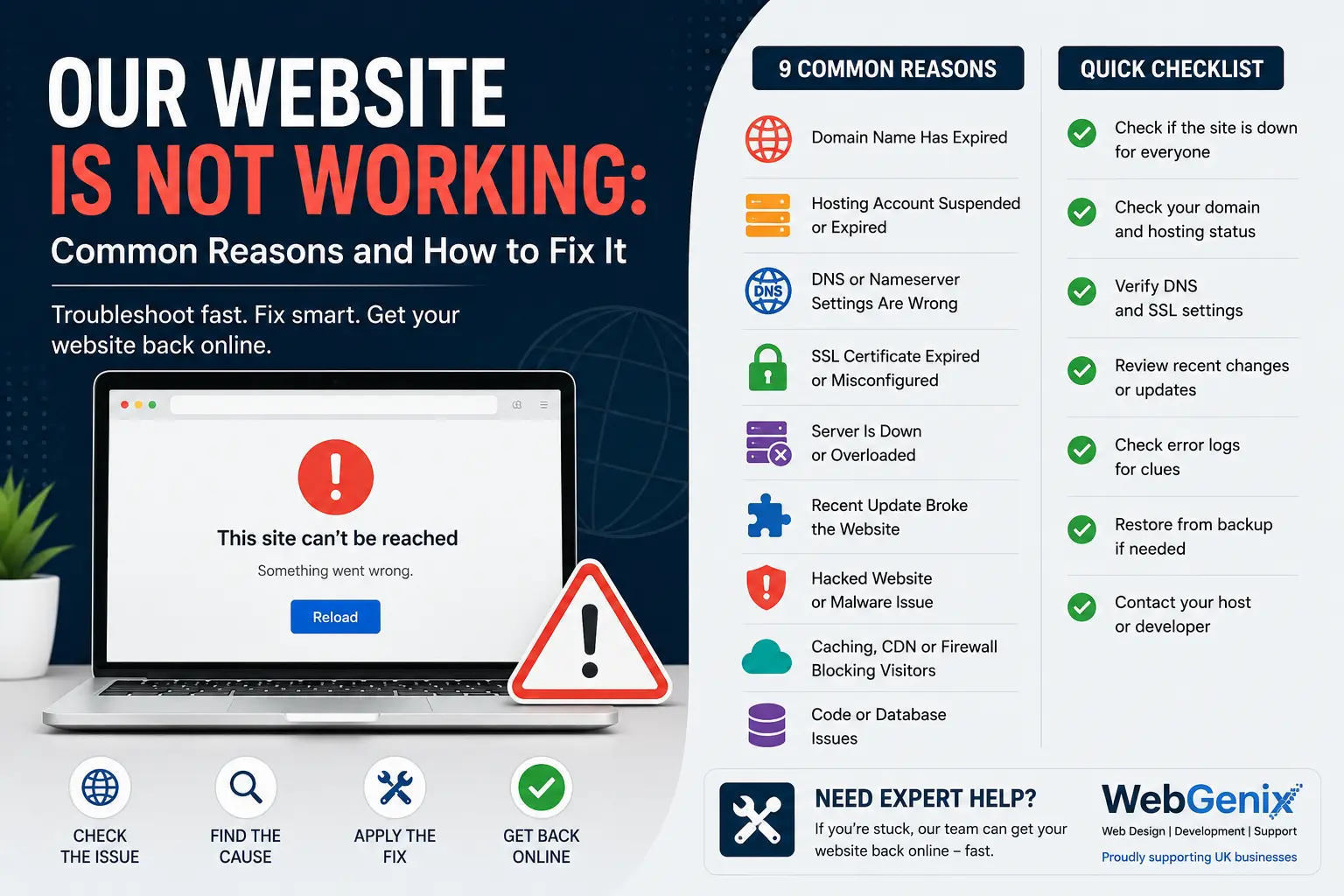
An expired SSL certificate, an unrenewed domain or an incorrect DNS setting can also make a website inaccessible.
Sometimes the problem is relatively simple to fix once someone identifies what has gone wrong.
Most website downtime is not caused by dramatic events. It can be something as ordinary as a missed renewal, an update that has not been tested or hosting that cannot handle the traffic.
How Does Website Downtime Affect a Business?
For a small business, even a few hours without a working website can mean missed opportunities.
Imagine a roofing company in Derby whose website stops working on a Monday morning after a weekend of bad weather. Local homeowners are searching for repairs, but when they click the company's website, they see an error message.
Most will not wait for the website to return. They are more likely to contact another roofing company.
The business may never know how many enquiries it missed.
For an online shop, the impact can be even more direct. Customers cannot complete orders, shopping baskets are abandoned and paid advertisements may continue sending visitors to a website that cannot process sales.
There is also the issue of trust. When potential customers cannot access your website, they may question whether your business is still operating or whether it is reliable.
How Can Businesses Reduce Website Downtime?
No website can be guaranteed to remain online every second. However, businesses can take sensible steps to reduce the chances of downtime and make problems easier to resolve.
Choose reliable website hosting
Your hosting provider has a direct impact on website availability and performance. Look for dependable support, suitable server resources, regular backups and a clear uptime record.
If your website generates enquiries or handles online payments, choosing hosting based only on the lowest monthly price may not be the best decision.
You can also read our guide to best UK web hosting for small businesses to understand what to consider when choosing a provider.
Test updates before publishing them
Avoid making major changes to a live website without testing them first.
A staging website allows developers to check updates before they reach visitors. Forms, payment systems, login pages and other important features should be tested after changes are made.
Keep regular backups
Backups can help restore a website if files become damaged or a technical issue affects the site.
However, simply having a backup is not enough. Check that backups are running properly and that the website can actually be restored from them.
Keep your website secure
Outdated software, weak passwords and poorly protected forms can expose websites to security risks.
Regular updates, strong passwords and appropriate security measures help reduce these risks and keep your website in better condition.
Monitor website performance
Website monitoring tools can alert you when a website becomes unavailable or starts responding slowly.
This means your developer or hosting team can investigate the issue instead of waiting for a customer to report it.
Website speed matters too. A slow website can lose visitors even when it is technically online. If your pages take too long to load, website speed optimisation can help identify areas that need improvement.
What Should You Do If Your Business Website Stops Working?
If your website suddenly goes offline, do not start changing settings without first checking what is wrong.
Work through these steps:
- Check the website on another device. Try using mobile data instead of your usual Wi-Fi connection.
- Check your hosting provider. Look at its service status page to see whether there is a known issue.
- Review recent changes. Think about whether a plugin, theme or software update was installed recently.
- Check your domain and SSL certificate. Make sure neither has expired and that your DNS settings are correct.
- Contact your developer or support team. Explain what you see and when the problem started.
While your website is unavailable, you can use your Google Business Profile or social media pages to let customers know how to contact you. Sharing a working phone number or alternative contact method can help prevent missed enquiries.
For a more detailed explanation, read our guide: Our website is not working: common reasons and how to fix it.
Why Regular Website Maintenance Matters
Many businesses spend time and money building a website but give very little attention to it once it goes live.
A website needs ongoing care. Software and plugins need updating, backups need checking, security needs attention and important features such as contact forms should be tested regularly.
Think of it like maintaining a business vehicle. You would not expect it to run reliably for years without servicing. Your website deserves the same attention.
At WebGenix, we provide website maintenance services covering updates, backups, security checks and monitoring. Our website support services are available when technical problems need attention.
If your existing website is outdated or difficult to maintain, our website development services can help you build a more suitable solution for your business.
Final Thoughts
The National Lottery website outage on 2 November 2026 shows that even large digital platforms can experience unexpected disruption following routine maintenance.
For small businesses, the lesson is straightforward: do not wait until your website stops working before looking after it.
Reliable hosting, properly tested updates, regular backups and website monitoring can all help reduce the risk of downtime.
Your website is often the first place potential customers go to learn about your business. Making sure it stays accessible, secure and easy to use is part of providing a good customer experience.
Frequently Asked Questions
Why was the National Lottery website down on 2 November 2026?
Allwyn, the operator of The National Lottery, confirmed that its website, mobile app and in-store terminals were temporarily unavailable following overnight scheduled maintenance. The specific technical fault was not publicly confirmed.
Was the National Lottery app affected too?
Yes. The mobile app was affected alongside the website and in-store terminals. Services were restored later that afternoon.
Can scheduled website maintenance cause downtime?
Yes. Maintenance is important, but software updates and technical changes can sometimes cause unexpected problems. Testing changes on a staging website before publishing them can help reduce this risk.
How can I check if my business website is down?
Try opening your website on another device using mobile data. You can also use an online website availability checker and check your hosting provider's service status page.
What does website maintenance include?
Website maintenance commonly includes software and plugin updates, security checks, regular backups, SSL and domain renewal checks, performance monitoring and fixing technical issues before they affect visitors.



Comments (0)
No comments yet. Be the first to share your thoughts!